
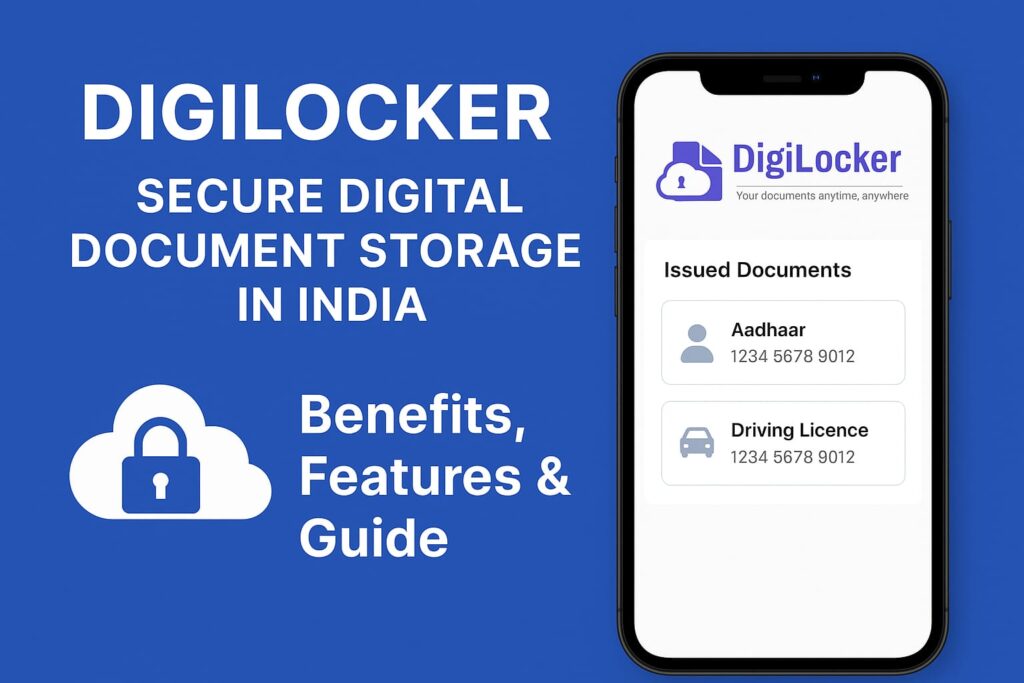
In today’s digital age, carrying physical copies of documents everywhere can be inconvenient and risky. The Government of India has introduced DigiLocker to solve this problem. DigiLocker is a secure cloud-based platform that stores your important documents and certificates in digital form. It helps you access them anytime, anywhere, without worrying about damage or loss.
In this blog, we will understand what DigiLocker is, its benefits, how to use it, and why it is becoming a must-have for every Indian citizen.
What is DigiLocker?
DigiLocker is an initiative under the Digital India programme launched by the Ministry of Electronics and Information Technology (MeitY), Government of India. It allows you to store and access your official documents such as Aadhaar card, driving licence, vehicle registration certificate, PAN card, educational certificates, and more in a safe online space.
It works like a digital wallet for your documents. Instead of keeping physical copies, you can show the digital version stored in DigiLocker, which is legally valid under the Information Technology Act, 2000.
Key Features of DigiLocker
- Cloud Storage – You get 1 GB of secure cloud storage to store your documents.
- Issued Documents – You can directly fetch government-issued documents from official departments like UIDAI, CBSE, RTO, and more.
- Uploaded Documents – You can upload scanned copies of personal documents.
- eSign Facility – You can digitally sign documents using Aadhaar-based authentication.
- Paperless Verification – Organisations can verify your documents online without needing physical copies.
Benefits of Using DigiLockerBenefits of Using DigiLocker
Using DigiLocker offers multiple benefits for both individuals and organisations:
- Convenience
You can access your documents anytime from your phone or computer. There is no need to carry hard copies. - Safety & Security
Your documents are stored in a secure, government-managed cloud system with encryption. - Legally Recognised
Digital documents in DigiLocker are considered valid by various government and private organisations. - Time-Saving
It reduces paperwork and speeds up verification processes. - Eco-Friendly
It helps reduce paper usage and supports environmental conservation.
Documents You Can Store in DigiLocker
You can store a wide range of documents in DigiLocker, including:
- Aadhaar Card
- PAN Card
- Driving Licence
- Vehicle Registration Certificate (RC)
- Educational Certificates (CBSE, State Boards, Universities)
- Insurance Policies
- Passport (some services)
- Birth and Death Certificates
- Electricity and Water Bills & More
How to Create a DigiLocker Account?
Creating a DigiLocker account is quick and simple. Here’s the step-by-step process:
- Visit the Official Website
Go to www.digilocker.gov.in or download the DigiLocker mobile app from Google Play Store or Apple App Store. - Sign Up
Click on “Sign Up” and enter your mobile number or Aadhaar number. - OTP Verification
You will receive an OTP (One Time Password) on your registered mobile number. Enter it to verify your account. - Create Username and Password
Set a username and password for future logins. - Link Aadhaar
Link your Aadhaar to fetch government-issued documents directly into your DigiLocker account.
How to Upload Documents in DigiLocker?
- Login to Your Account
Open the website or app and log in using your username, password, or Aadhaar-based OTP. - Go to ‘Uploaded Documents’
Click on the “Upload” button. - Choose File
Select the document from your device that you want to upload. - Add Document Details
Enter the document name, type, and issuing authority. - Save
Click on “Save” to store it securely in your DigiLocker.
How to Fetch Issued Documents
The best feature of DigiLocker is that you can fetch verified documents directly from government databases.
- Login to DigiLocker
- Click on ‘Issued Documents’
- Select Issuing Authority (Example: Ministry of Road Transport & Highways for driving licence)
- Enter Required Details
- Fetch Document – The document will be automatically saved in your account.
Is DigiLocker Safe?
Yes, DigiLocker is safe. It uses 256-bit SSL encryption to protect data during transfer and storage. It also requires Aadhaar-based authentication or mobile OTP for login. Moreover, the platform is managed by the National e-Governance Division (NeGD) under the Ministry of Electronics & IT, making it trustworthy.
Legal Validity of DigiLocker Documents
As per the Information Technology Act, 2000 and notifications issued by the Ministry of Road Transport & Highways, digital documents in DigiLocker are considered equivalent to physical documents. This means you can show your driving licence or vehicle RC from DigiLocker to traffic police, and it will be accepted.
DigiLocker Mobile App
The DigiLocker app makes it even easier to store and access documents on the go. You can:
- Download or fetch documents instantly
- Share documents through email or messaging apps
- Use Aadhaar eSign to sign documents digitally
- Scan QR codes for instant verification
Future of DigiLocker
DigiLocker is growing rapidly, with more departments and services integrating into the platform. In the future, it will become a central hub for all personal and official documents, reducing paperwork and making governance more transparent and efficient.
Conclusion
DigiLocker is a game-changing initiative by the Government of India that promotes paperless governance and digital convenience. It is secure, legally valid, and easy to use. Whether you are a student, a professional, or a business owner, DigiLocker can help you store and access your important documents anytime, anywhere.